 FrameScale AI
How to restore old VHS tapes with AI
Old home videos are interlaced, noisy and only about 720×576 pixels. With the right order of AI steps you can turn them into smooth, clean HD video that looks good on a modern TV, while keeping the original look.
Before you start: digitize the tape
FrameScale AI works on video files, so the tape has to be captured first, with a VCR (ideally with a time-base corrector) and a USB capture device. For the best restoration:
- Capture at the tape's native size (720×576 PAL or 720×480 NTSC) and keep it interlaced. Deinterlacing is done better later.
- Use a lossless or high-bitrate format (for example FFV1, ProRes or high-bitrate MPEG-2), not a low-bitrate MP4.
- Keep the capture file as your master and never overwrite it.
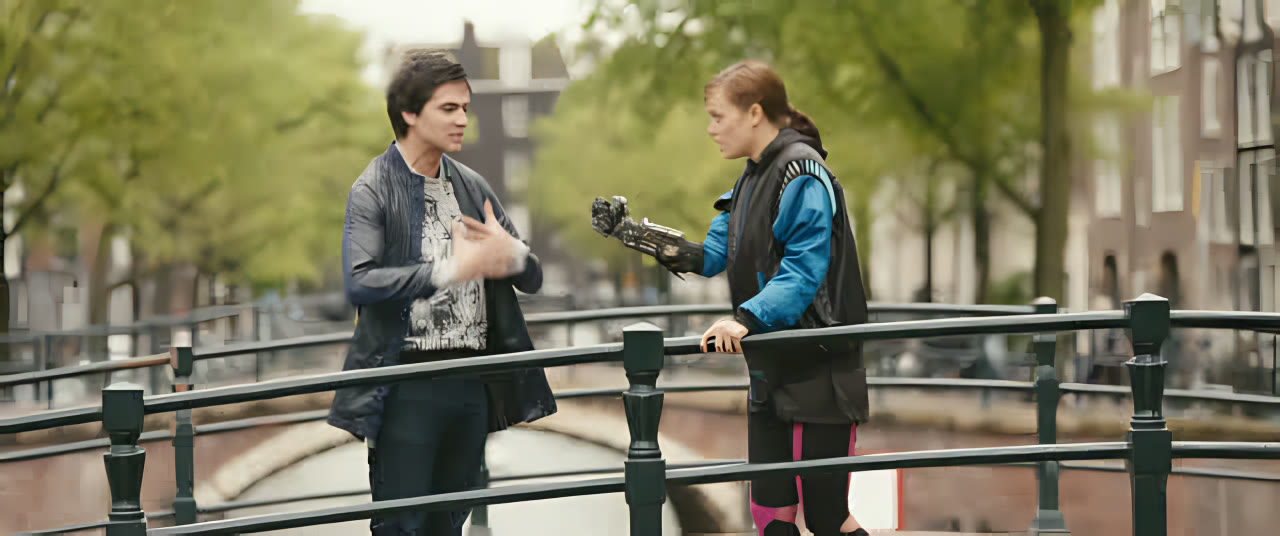
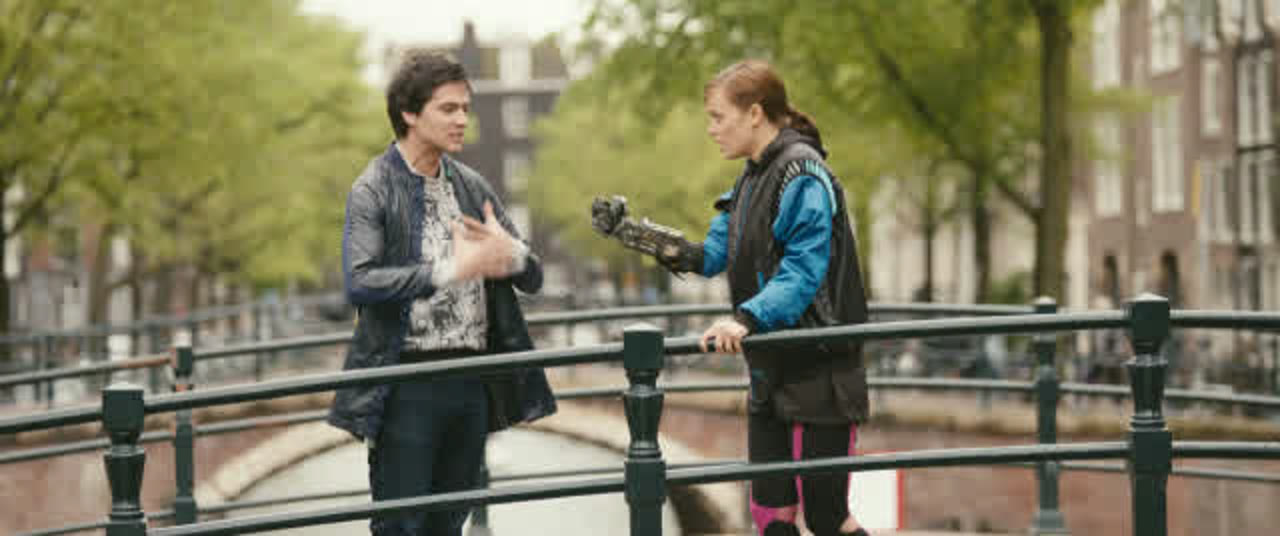 BeforeAfter · FrameScale
Step by step
- Install FrameScale AI. Download the installer for Windows, macOS or Linux from the download section and install it. It is free, needs no account, and runs entirely on your computer.
- Add your video. Open FrameScale AI and drag your clip onto Drop videos here. It reads anything FFmpeg can decode: MP4, MKV, MOV, AVI, MPEG-2, ProRes and more.
- Deinterlace at double rate. Switch on Deinterlace (BWDIF, motion adaptive) and choose Double rate. Each field becomes a full frame, so PAL tapes play at 50 fps and NTSC at 60 fps, with the fluid motion of the original.
- Remove tape noise. Switch on Denoise with the NAFNet (live action, camera noise) model. Start at Medium; use Low or Gentle to keep more of the tape's grain.
- Upscale to HD. Switch on Upscale with Real-ESRGAN General v3 and choose 2× (about 1440×1152) or 4× for 4K-class output. Keep its Noise removal near 50% if you already denoised.
- Fix faces. Switch on Face Fix. Faces in home videos are often only a few dozen pixels tall; CodeFormer restores eyes, mouths and skin. A Fidelity around 0.7 keeps people recognizable.
- Preview, then render. Move the marker to a scene with faces and motion, click Render 2 s, compare, adjust, then click Render. The 4:3 aspect ratio, audio and chapters are kept.
Common VHS problems and fixes
- Comb lines on motion mean the video is still interlaced: turn on Deinterlace.
- Plastic-looking skin comes from too much denoising: lower Denoise to Low and raise Face Fix fidelity.
- Squeezed or stretched picture: FrameScale keeps the source's pixel aspect ratio, so 4:3 tapes stay 4:3. If your capture was already wrong, fix the aspect in your capture software.
- Jittery motion after deinterlacing: choose Double rate instead of Same rate.
Want even smoother motion? After deinterlacing, frame interpolation can double the frame rate again.
Frequently asked questions
Can AI really restore VHS tapes?
It can remove noise, sharpen, upscale and restore faces dramatically. It cannot repair tracking errors or dropouts that were captured into the file, so a clean capture still matters most.
Should I deinterlace before upscaling?
Yes. Upscaling interlaced video enlarges the comb artifacts. FrameScale always runs Deinterlace first, then Denoise, Upscale, Face Fix and Interpolate.
What resolution should I upscale VHS to?
2× (about 1440×1152 for PAL) is a good balance of detail and speed. 4× gives a 4K-class image, but VHS holds little real detail, so the gain over 2× is smaller.
Is it free?
Yes. FrameScale AI is free and open-source software that runs locally, with no watermark and no upload.
Try it on your own footage
FrameScale AI is free and open source for Windows, macOS and Linux. No account, no watermark, no upload.